Usage on DigitalOcean
Step 1 - Create Ubuntu VPS on DigitalOcean
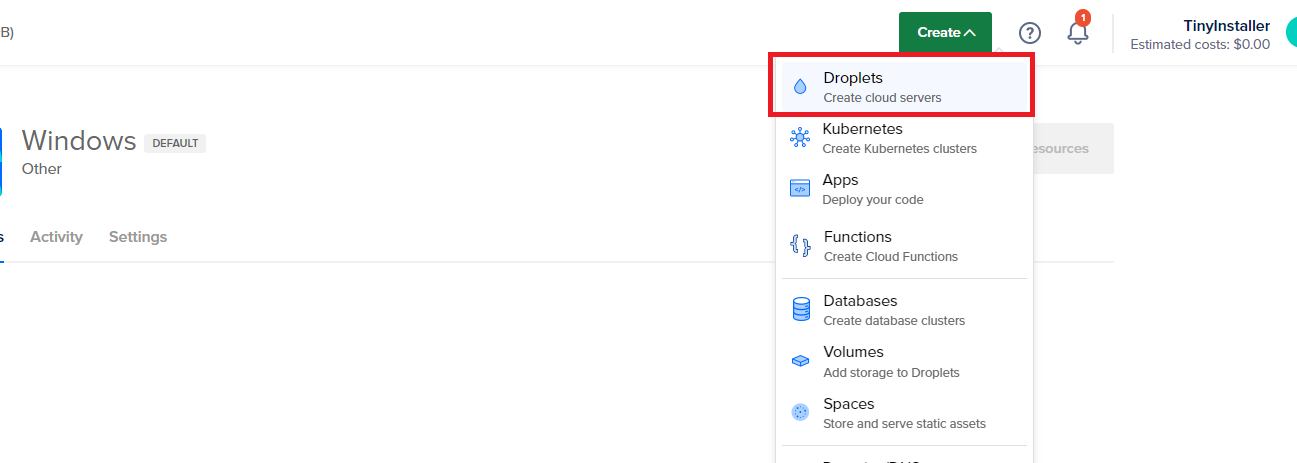
Login to DO account then click Create -> Droplets
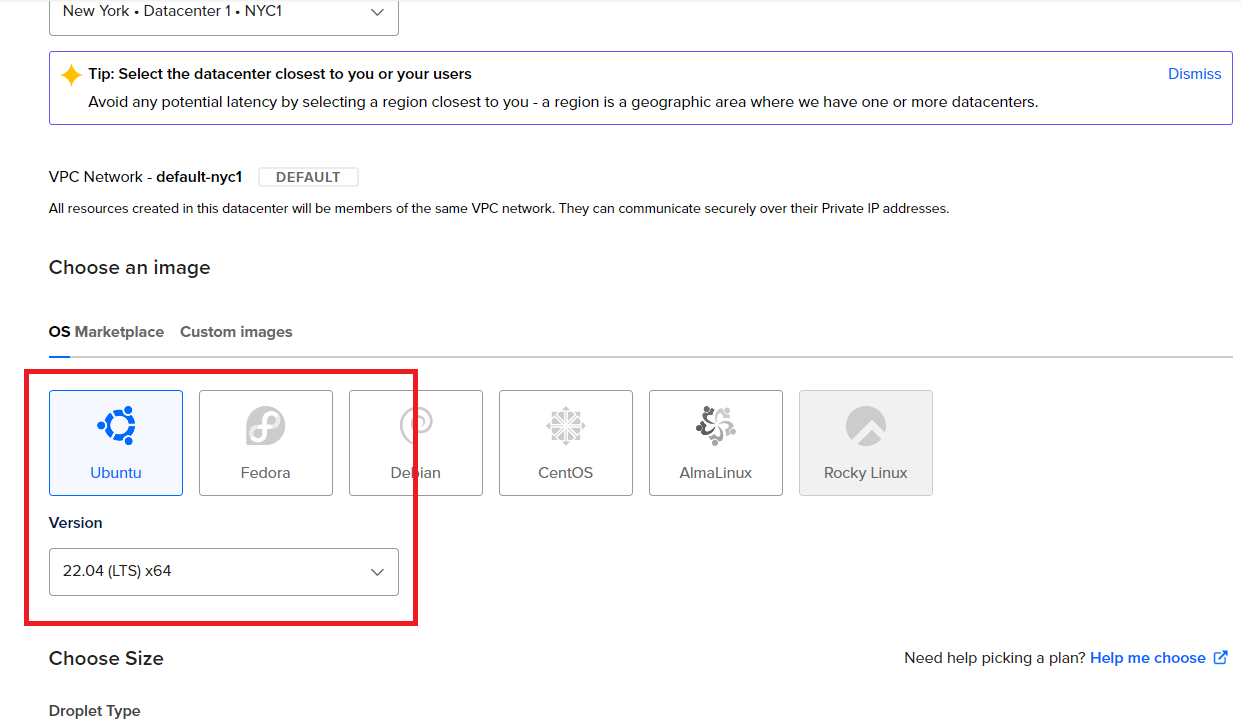
Choose your prefer location and on Images make sure you select Ubuntu one
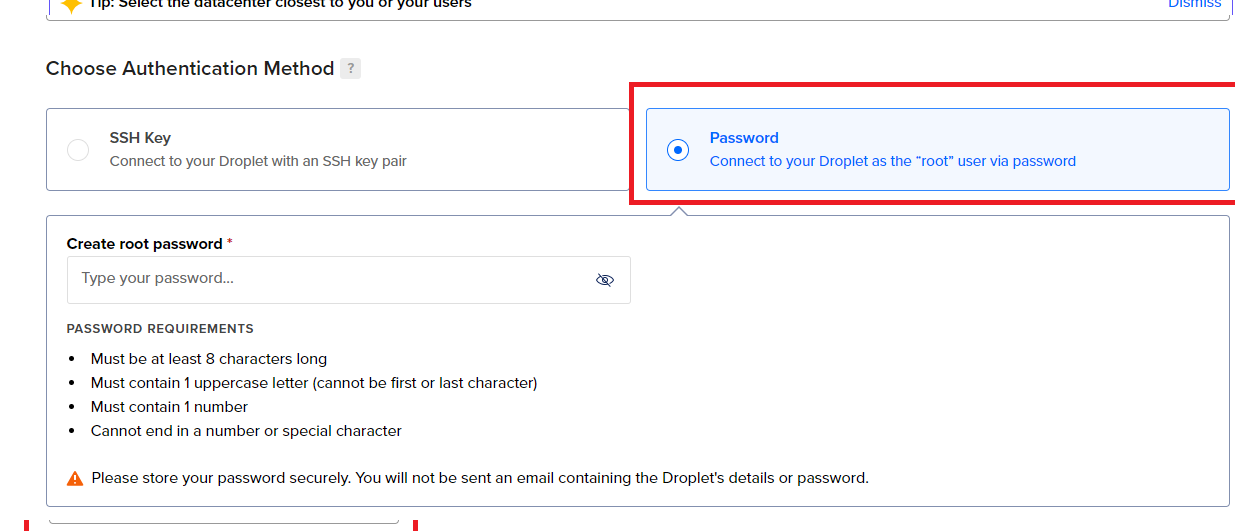
Choose Password authentication method
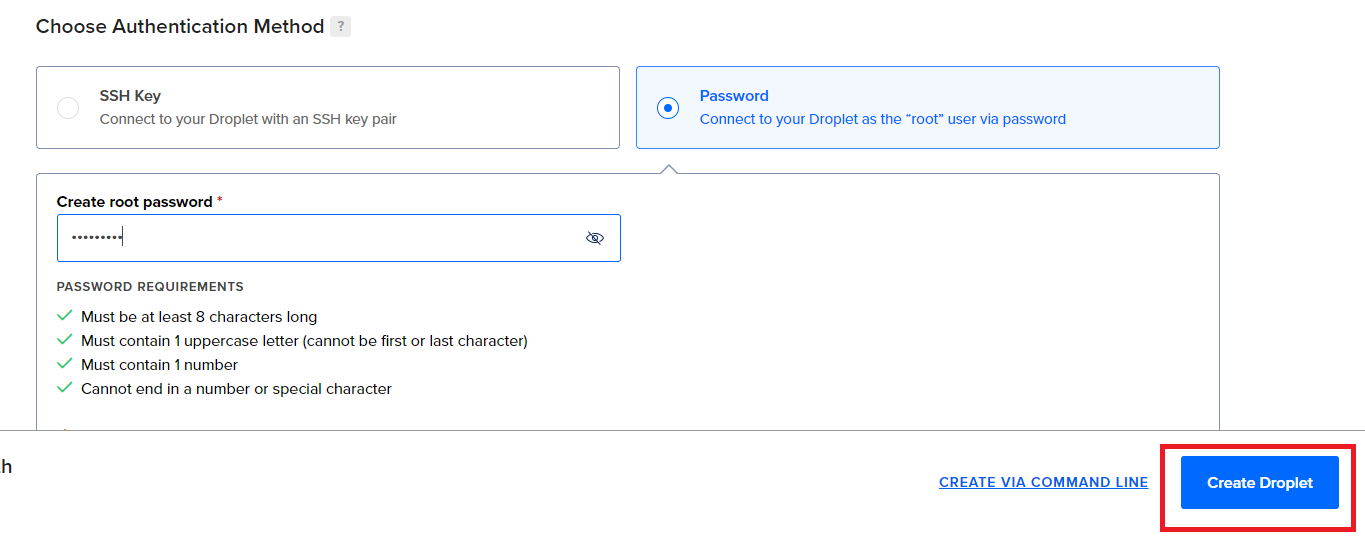
Then Create the Droplet
After Droplet created successfully, move to step 2, connect to Ubuntu VPS with choosen password and run install command.
Step 2 - Install Windows on VPS
Check below link to continue install windows on VPS which created above